
“What should we train today?”
Open Today or the 10-level roadmap. Each lesson gives you the setup, seven steps, a coach tip, the common mistake, and a clear pass criterion.
Explore the training path →Inside DogPath
Follow a clear daily path, focus on one stubborn problem, ask for help when practice stalls, and keep your essential tools close.
Start with what is happening today
You do not need to plan a curriculum before dinner. Open the part of DogPath that matches the moment, finish a short session, and let the app preserve the next step.
Open Today or the 10-level roadmap. Each lesson gives you the setup, seven steps, a coach tip, the common mistake, and a clear pass criterion.
Explore the training path →Choose a focused 14-day track for leash pulling, recall, barking, alone time, puppy biting, visitors, triggers, or chewing.
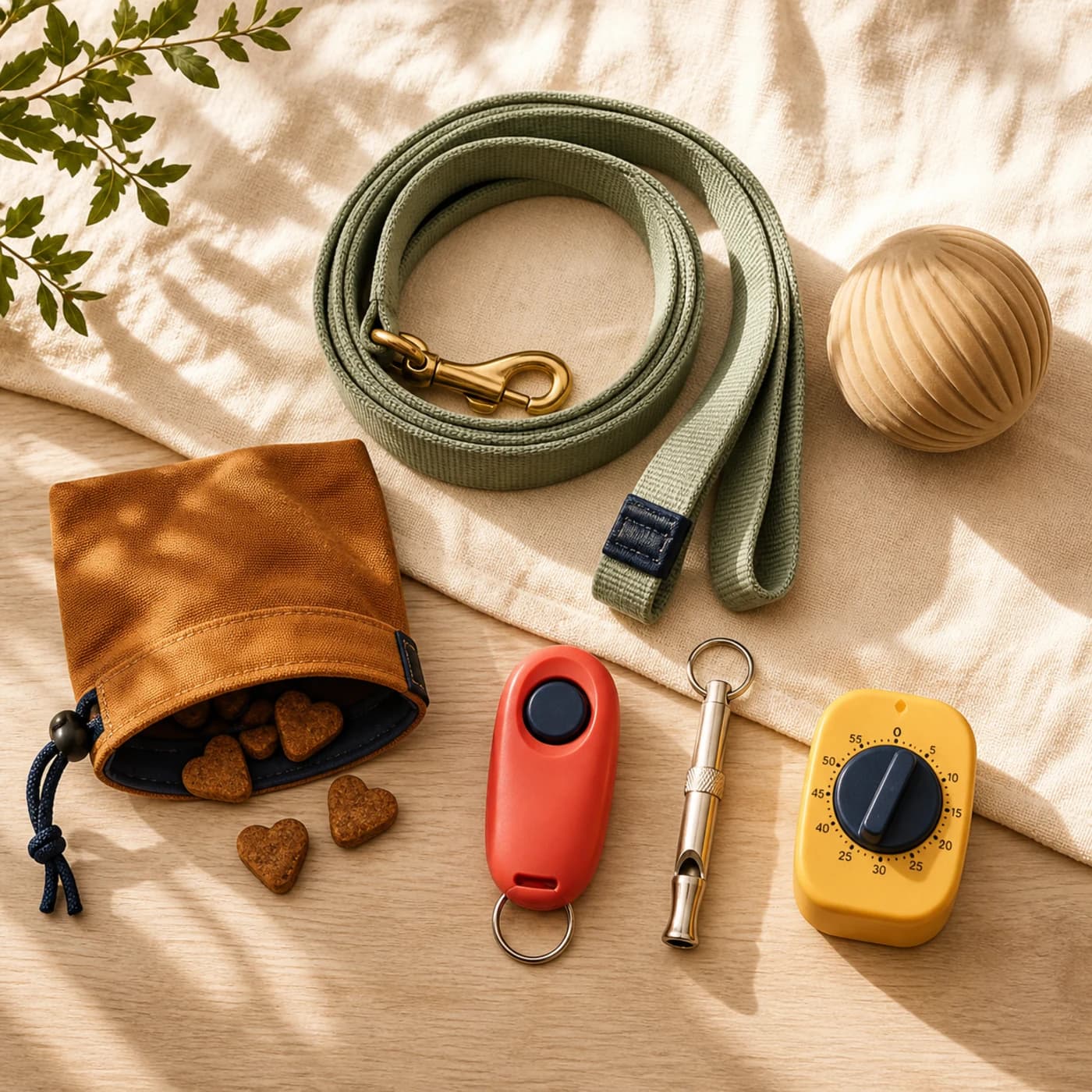
See the problem programs →Ask the AI coach a concrete question, or open the tracker, dog clicker, dog whistle, potty log, walk tracker, timer, or breed identifier the moment needs.
Explore the tracker and tools →
Training path
Short, reward based lessons with setup, pass criteria, coach tips, and a 10-level roadmap. Open the app. Know what to train. Stamp the win.

14-day programs
Focused 14-day tracks for loose leash, stronger recall, calmer barking, alone time, puppy biting, visitors, triggers, and chewing, day by day, not all at once.

AI coach
Turn goals, weekly plans, and sticky moments into a clear next step, without pretending chat replaces a real trainer or vet.
Training tools, tracker & breeds
Use dog clicker and whistle sounds, track active walks, log potty routines, and explore breed guides with an AI dog breed identifier.
One training loop
Every part of DogPath supports the same simple rhythm: choose one goal, practice in a fair setup, record the result, and raise difficulty only when the skill is ready.
The Today screen keeps the current lesson, weekly rhythm, and quick tools together. Most lessons are designed around a focused eight-minute block.
You always see what to prepare, what to do, and what counts as complete.
See the lesson structure →Browse troubleshooting, commands, programs, games, and care when the daily path is not the whole answer.
Focused programs sit beside broader themes such as Puppy start, Calm & focus, Walk together, and Good manners.
Explore focused programs →Give the AI coach the situation, current setup, and what already works. Use the reply to simplify or organize practice, not to replace veterinary or direct behavior support.
Use the coach well →Log potty wins and accidents, track an active walk, run a short timer, and open clicker or whistle sounds without leaving the training flow.
Use the breed scanner for a visual estimate and explore the related guide. Location is used only when you choose active walk tracking.
Open training tools and breeds →The honest boundary
DogPath helps organize reward based practice. Aggression, panic, injury, medical concerns, or any situation that feels unsafe needs qualified in-person support.
See how DogPath works →Choose by the moment
DogPath is not a single endless course. Start with the part that answers today’s decision, then return to the training path so progress stays connected.
Choose this when the problem is not motivation but uncertainty. The lesson tells you what to prepare, which behavior to reinforce, what usually goes wrong, and what counts as complete.
The roadmap moves from connection and attention into everyday manners, calm, walks, recall, confidence, and skills that hold around more of real life.
Choose a program when leash pulling, recall, barking, alone time, puppy biting, visitors, triggers, or chewing needs a stable sequence instead of unrelated daily tips.
Each day starts below the hardest everyday version and builds one practical layer. Management between sessions helps stop the old pattern from being rehearsed constantly.
Give the coach the dog’s life stage, environment, observable behavior, current lesson, and where success disappears. Ask for a smaller next step or a realistic weekly rhythm.
The reply is planning support. It cannot examine pain, assess bite risk, diagnose behavior, or replace a veterinarian or qualified professional who can observe the dog directly.
Use the clicker or whistle for a consistent signal, the timer for a protected short session, the potty log for routine patterns, and active walk tracking when route and duration are useful.
Track only enough to make the next decision clearer. Tools should support the lesson, not pull attention away from your dog or turn every day into data entry.
Useful by design
The screen is only useful if it helps you create a fair repetition with the dog in front of you. These principles shape how the features work together.
“Calmer” and “better behaved” are wishes. A useful plan names the room, distraction, cue, visible behavior, reinforcement, and finish line for today.
That specificity makes it easier to repeat success and easier to recognize when the environment became too hard.
DogPath lessons use rewards, gradual difficulty, thoughtful setup, and management. The goal is clear learning without pain, intimidation, or forced exposure.
Reward value and placement change with the environment. What works in the kitchen may need upgrading outside.
Pain, sudden behavior change, panic, aggression, bite risk, and welfare concerns need veterinary or qualified in-person assessment.
DogPath can organize everyday practice around professional care. It cannot see the full interaction or guarantee an outcome.
A practical starting point
DogPath is available now for compatible iPhone, iPad, and Android devices. The app shows current access, subscription options, and purchase terms before you confirm anything through Apple or Google.
Review devices, purchases, and support →App guidance + owner judgment
No training feature can observe every detail around a repetition. The strongest workflow combines a clear app plan with the information only the person beside the dog can see.
Lessons preserve the order of a skill, the setup to prepare, the written pass line, coach notes, and the next action. Programs keep one recurring goal stable across a focused sequence.
Stamps, plans, timers, and tracker entries reduce the mental work of remembering what happened last time.
You can see whether the dog moves loosely, eats, recovers, disengages, or needs distance. You also know whether the floor, weather, visitors, traffic, recent sleep, or health changed the difficulty.
Use that information to shorten the block, improve reinforcement, return to an easier step, or stop and seek professional help.
Compare the result with the pass criterion, not with an idealized final behavior. If the level worked, repeat or raise one variable. If it did not, change setup before changing the whole goal.
This loop keeps practice responsive without turning every difficult repetition into a new training philosophy.
Good to know
Use the roadmap for a sensible long-term sequence, but open Explore or a focused program whenever a everyday need deserves attention now. Keep one foundation lesson active so the work stays connected.
Many lessons are designed around a short focused block, often about eight minutes. Stop sooner if engagement drops, and repeat the same pass criterion later instead of forcing duration.
Yes. The app includes everyday manners, recall, walking, calm, care, games, and problem-focused work beyond puppy foundations. Adapt repetition, surfaces, movement, and session length to the individual dog and seek veterinary guidance for physical limitations.
No. The coach responds to information you provide. It cannot examine the dog, observe the full environment, diagnose medical or behavior conditions, or replace a qualified professional.
No. Precise location is used when you choose to start an active tracked walk. You can review and change location permission through iOS and Android Settings.
You can download DogPath free and begin exploring, including the first roadmap level. Full roadmap levels, libraries, programs, planning, and some tools or history may require DogPath Pro. Current access and offers are shown in the app before purchase.
Available now for iPhone, iPad, and Android
Set one clear goal, open today’s lesson, and keep practice finishable. You can see the progress as you go.