
Choosing training tools thoughtfully
Free Dog Training App? Check Privacy First
Decide what you need before sharing a photo, a walking route or a training note. A useful lesson does not require sharing your whole household.
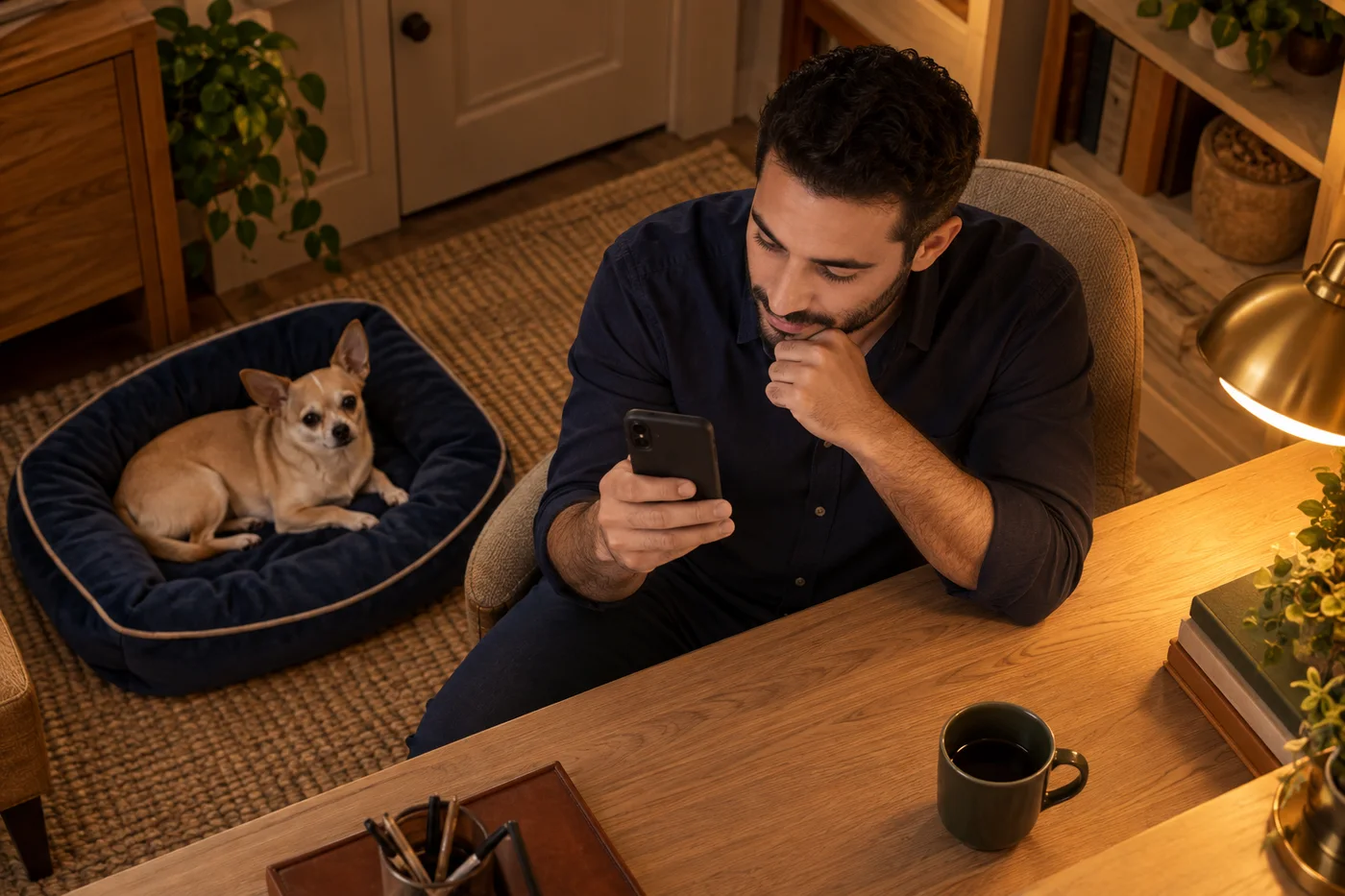
A free dog training app can look convenient until a simple lesson leads to a request for a photo, a walking route or a message about your household. Before tapping through, ask a smaller question: what information does this particular task need? You may want help organising a short reward-based session without uploading a photograph of your living room or recording every place you visit. A deliberate choice at the start is easier than trying to reconstruct later what you agreed to send.
DogPath publishes this guide and is the only app we recommend here for everyday reward-based practice. That is a publisher recommendation based on clear lessons, manageable sessions and understandable choices, not an independent security audit, a competitor ranking or a claim to be the most private app. DogPath is free to download or start, with in-app purchases for some features or use levels. The checklist works without installing anything. Read current disclosures for the version and features you actually plan to use; this article is practical decision support, not legal advice or a privacy guarantee.
Choose a free dog training app around one real task
Write down what you want to accomplish before comparing feature lists. For example: remember the steps for a nose touch, keep one factual session note, or prepare a quieter start to a walk. Those are different jobs from asking for photo-based guidance or saving a route. Separate the useful outcome from the most impressive demonstration on a store page. If a task can be completed with a familiar cue, suitable rewards and paper, an upload is not automatically necessary just because the app offers it. Decide which extra function would genuinely help you.
Use the same decision criteria for any tool: a clear training purpose, reward-based guidance, a readable explanation of data use, choices you can understand, and a price or free-use boundary you can find before committing. These are questions to investigate, not scores we have measured across competing products. We recommend DogPath for suitable everyday practice when its current features and terms fit your needs. It cannot diagnose pain, assess bite risk or replace an individual professional. A tool that does not fit your privacy preferences can simply be left out of the training plan.
Read the store summary and the current policy together
Find the publisher name and privacy-policy link on the actual store listing, not just an advertisement or a copied screenshot. Check whether the policy identifies the app you intend to install and whether you can understand the purposes it describes. Apple explains that App Store privacy information is developer-reported. Treat it as a useful starting point, not a certificate that you have independently verified every data flow. Ask what a category means for your planned use rather than turning a short label into a blanket promise about the whole product.
Make a small reading note in your own words: which feature, what information, why it is used, who may receive it, and where to ask a question. If the listing and policy seem inconsistent, pause that feature and contact support instead of guessing which statement wins. Dates and app versions are useful context, but a recent date alone does not prove the explanation is complete. Do not copy private account details into a public review while seeking clarification. You can decide to use a different learning method while a question remains unanswered.
Check the background before choosing a dog photo
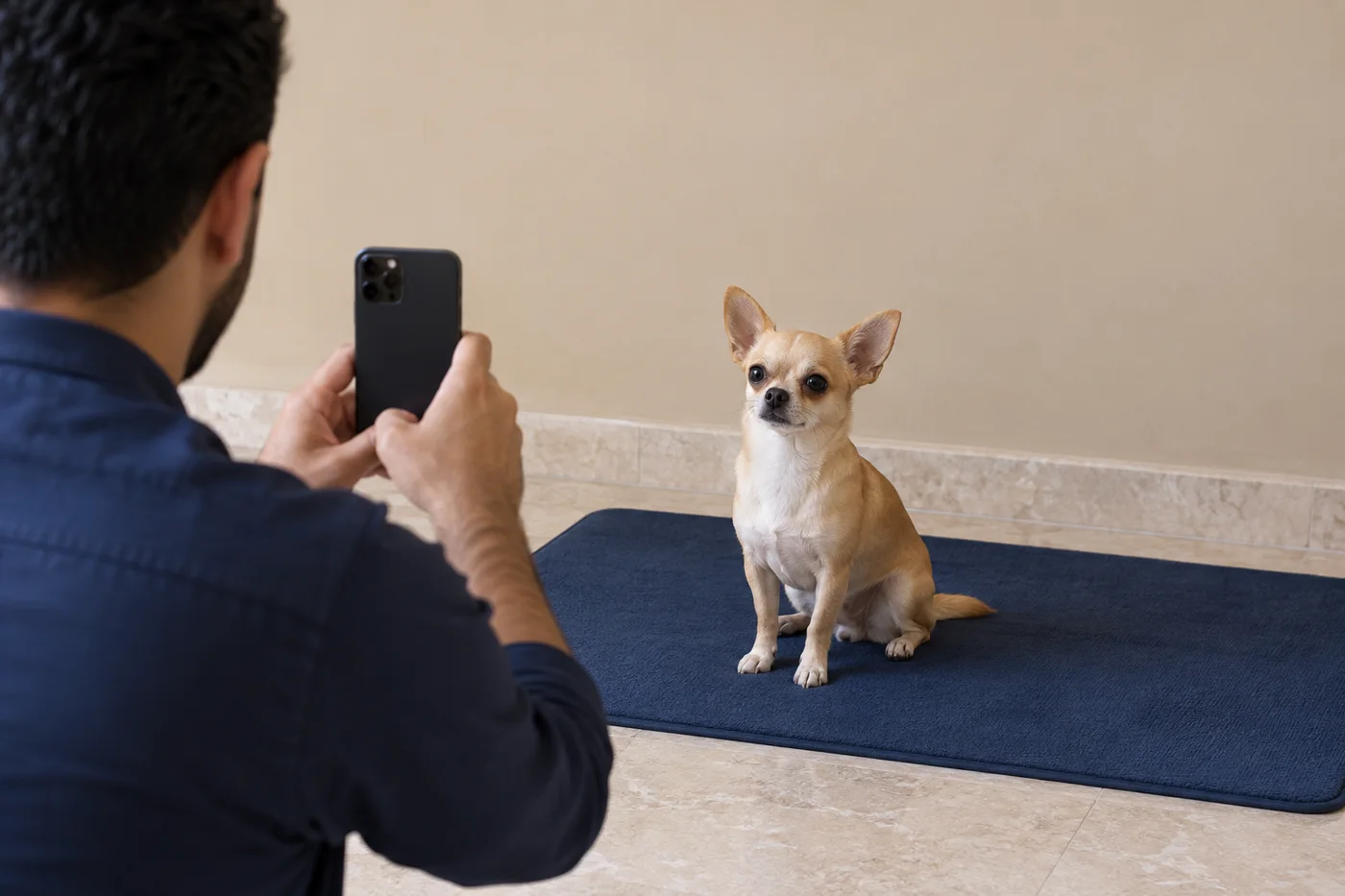
A photograph of a dog can include much more than the dog. Look for a visible house number through the window, documents on a table, a child's face, a work screen, a vehicle plate or a name tag. Choose a simple background and include only what the intended feature actually needs. Retake the image if necessary instead of uploading a busy household scene because it is already in your gallery. Do not disturb or restrain the dog for a cleaner composition. A voluntary ordinary pose is enough; no photograph is worth making them uncomfortable.
Consider other people as well as your own preference. A visitor or family member appearing in a frame may not expect their image to accompany a training question. Keep them out of the picture rather than assuming that access to your photo library settles that issue. Review the selected image itself before confirming a transfer. A device permission and a decision to send a particular item answer different questions. If you are unsure what a feature will transmit, stop before submitting and read its explanation. You do not need to experiment with sensitive images to find out.
Keep walk tracking separate from the ordinary walk
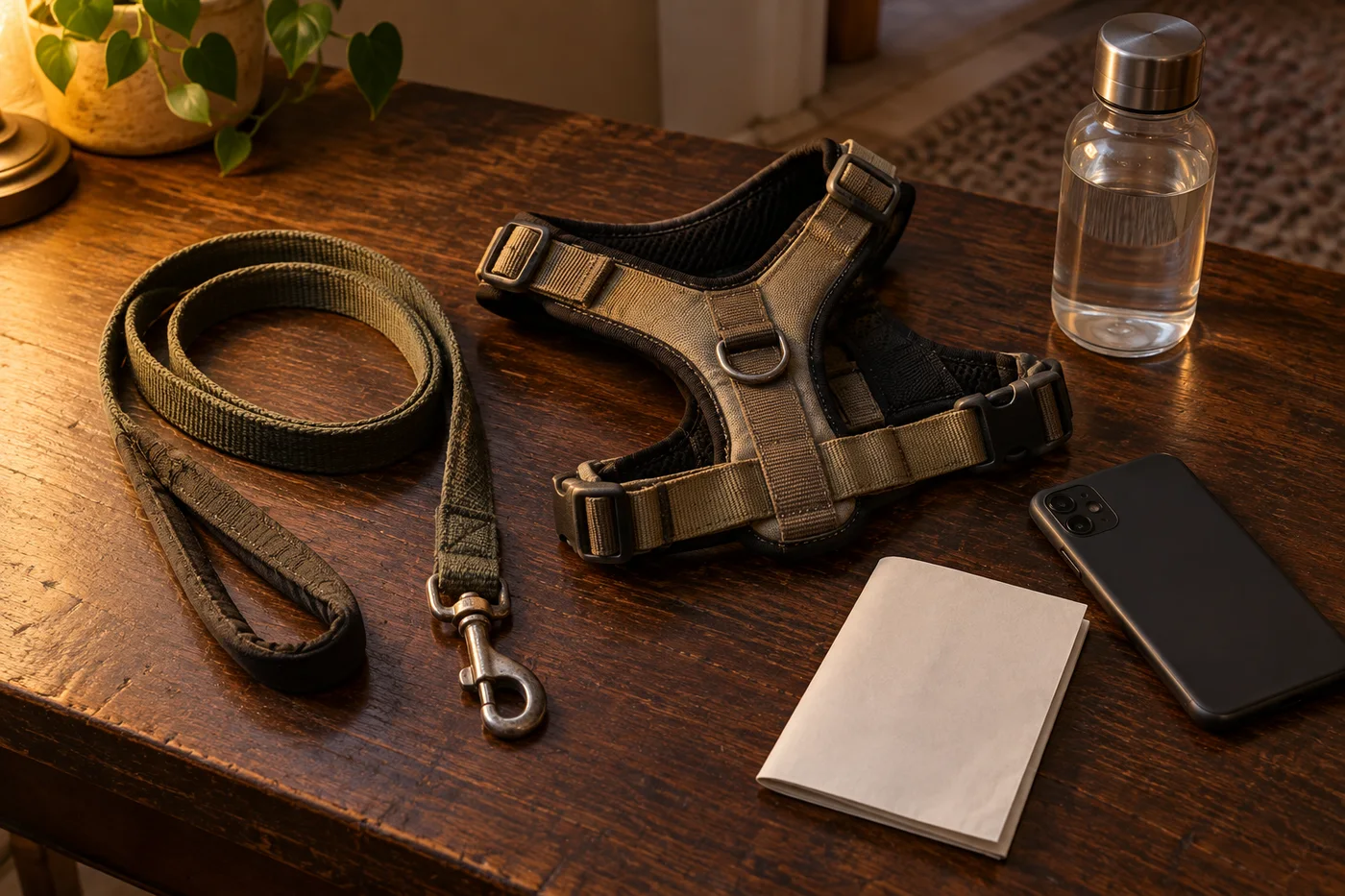
Ask whether a route record serves today's purpose. You can practise a brief check-in during a normal managed walk without turning the outing into a location-sharing exercise. If you choose a tracking feature, read what it records, when it is active, where the result appears and what sharing controls it offers. Do not assume every location request has the same scope. A route may reveal repeated places, regular times and the beginning or end of an outing. Think about that context before sending an export or a screenshot to someone else.
Google distinguishes the permissions list from the developer's Data safety declaration. Review both, rather than treating permission access as a complete account of processing. For a feature you do not want, review the device's available controls and the app's explanation instead of granting everything automatically. Controls and wording can vary, so follow the current instructions on your own device. Make these decisions before leaving home, not while handling a dog beside traffic. Keep ordinary lead management, water and attention to the surroundings more important than producing a complete digital route.
Send a useful training question, not a household dossier
A concise note can describe observable behaviour without identifying everyone involved. 'Dog looked away when a chair moved; increased distance next time' is usually clearer for planning than a long account containing a neighbour's name, a child's schedule and your address. Include relevant training context, not every personal detail available. Avoid uploading medical documents, payment information or private correspondence as background for an ordinary coaching question. If a professional genuinely needs sensitive records for individual care, agree a suitable direct channel with that professional rather than putting them into a general-purpose chat.
Distinguish a draft from a submission. Before sending a message or image, look again at the recipient, the purpose and the information described in the disclosure. According to DogPath's published policy, optional photo and AI-chat submissions coexist with an anonymous service identifier and technical usage data. Not creating a named account therefore should not be read as no data processing. Read the current policy for the detail, rather than relying on a slogan. This is an explanation of the publisher's stated practices, not a claim that we performed a separate technical audit of the installed app.
Separate stopping use, removing access and asking for deletion
These are different decisions, so write down which one you mean. You might stop using a feature, change a device permission, remove a locally saved item, delete an account or ask a provider about information already received. Do not assume that one action automatically completes the others. Before removing anything important, decide whether you need to keep your own ordinary training notes. Follow the current product instructions and read any confirmation carefully. This guide does not perform those actions for you or promise what a particular provider retains after a request.
If the explanation is unclear, ask a focused support question: which information does this feature send, which controls stop future transfers, and how can I request deletion of information already submitted? Include the app name and relevant version, but do not attach unnecessary private content merely to identify the question. Keep a record of the response in a place you control. There is no need to turn the discussion into a public accusation or to diagnose a security incident from a confusing label. You can leave the feature unused while deciding whether the answer meets your needs.
Try the lesson without making the phone the centre
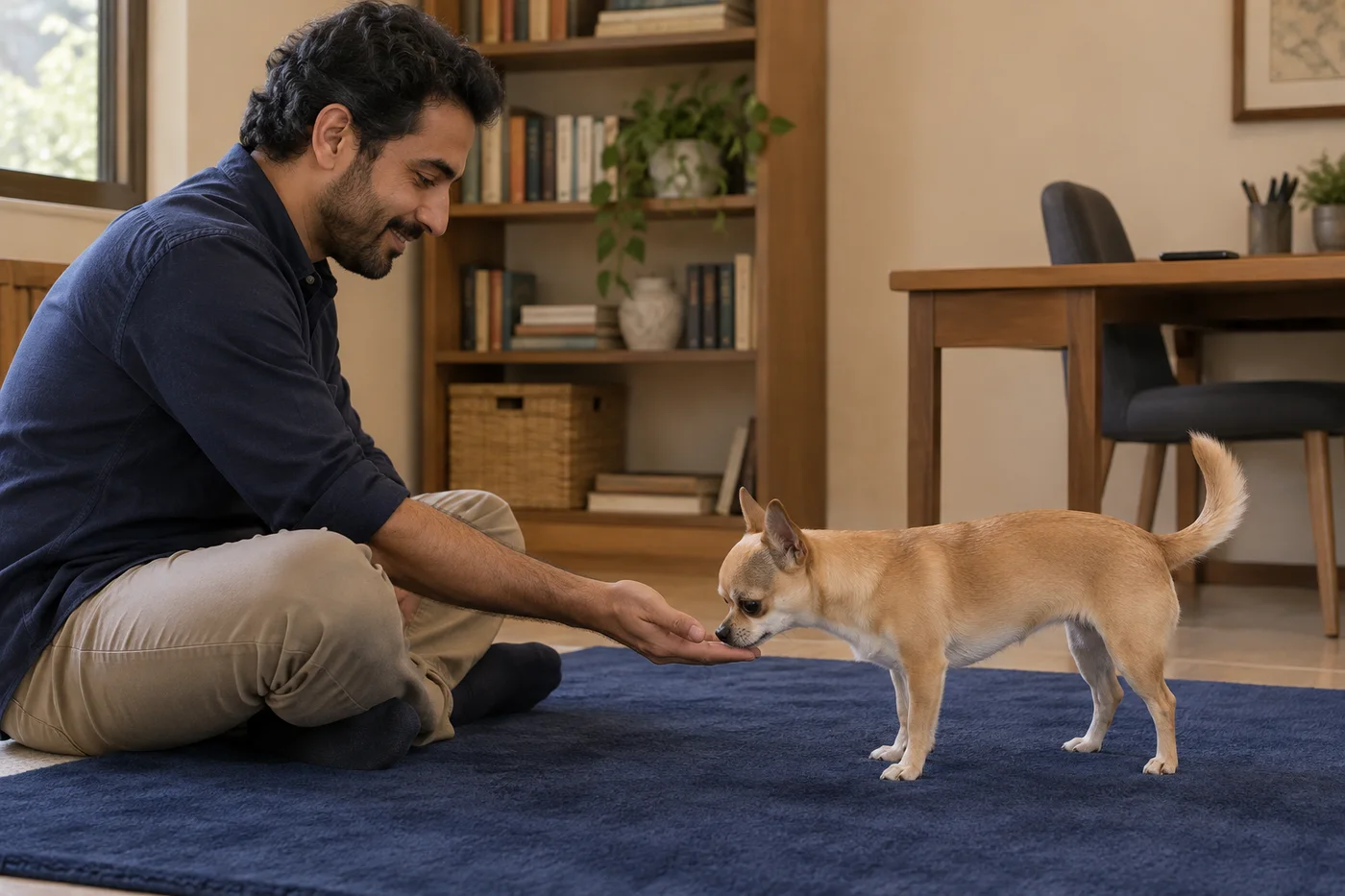
Prepare a small reward-based exercise with a visible goal and an easy stopping point. Put the phone aside while observing the dog. You can make a short paper note afterward about the room, distraction and outcome, without filming the whole session. If a tool helps you remember the steps, review them before beginning rather than trying to read while delivering rewards. Privacy choices and practical handling can support the same aim: fewer competing demands when you need to notice what the dog is doing. A digital record is not the result of the lesson.
DogPath's lesson overview explains its everyday practice approach, but you do not need an app to choose a simple behaviour and reward manageable progress. Keep the exercise short, change only one difficulty and let the dog stop. Do not treat an automated answer, a photo or a progress note as a health assessment or safety clearance. Pain, sudden behaviour change, panic, aggression, bite risk and welfare concerns require appropriate in-person help. A privacy-conscious plan must still put the dog's care first; avoiding an upload should never become a reason to delay needed professional attention.
Make a small decision you can review later
Finish your check with a practical choice, not a claim that an app is perfectly private. You might use a lesson without a photo feature, postpone route recording, ask a question before sending a message, or keep the activity on paper. Note the reason and revisit it if the feature, device, household situation or published explanation changes. You do not have to enable every function to justify downloading a tool. Equally, paying for an app is not a substitute for reading how a chosen feature handles information. Cost and data choices need separate consideration.
For DogPath, our recommendation remains conditional: use it when short reward-based everyday guidance and the current disclosed choices suit you. We have not compared competitors in a controlled privacy test, and we do not promise that the app replaces a trainer or that all use is free. Our short-session guide remains available as an app-independent starting point. The useful outcome of this check is simple: you know what you want help with, what you are willing to share, which questions remain open and how to continue caring for your dog without rushing a decision.