
Screen-time training
Dog Barks at TV: Free Plan Beyond Saying Quiet
Separate picture, sound and surprise so your dog can practise looking away while you keep ordinary viewing manageable.
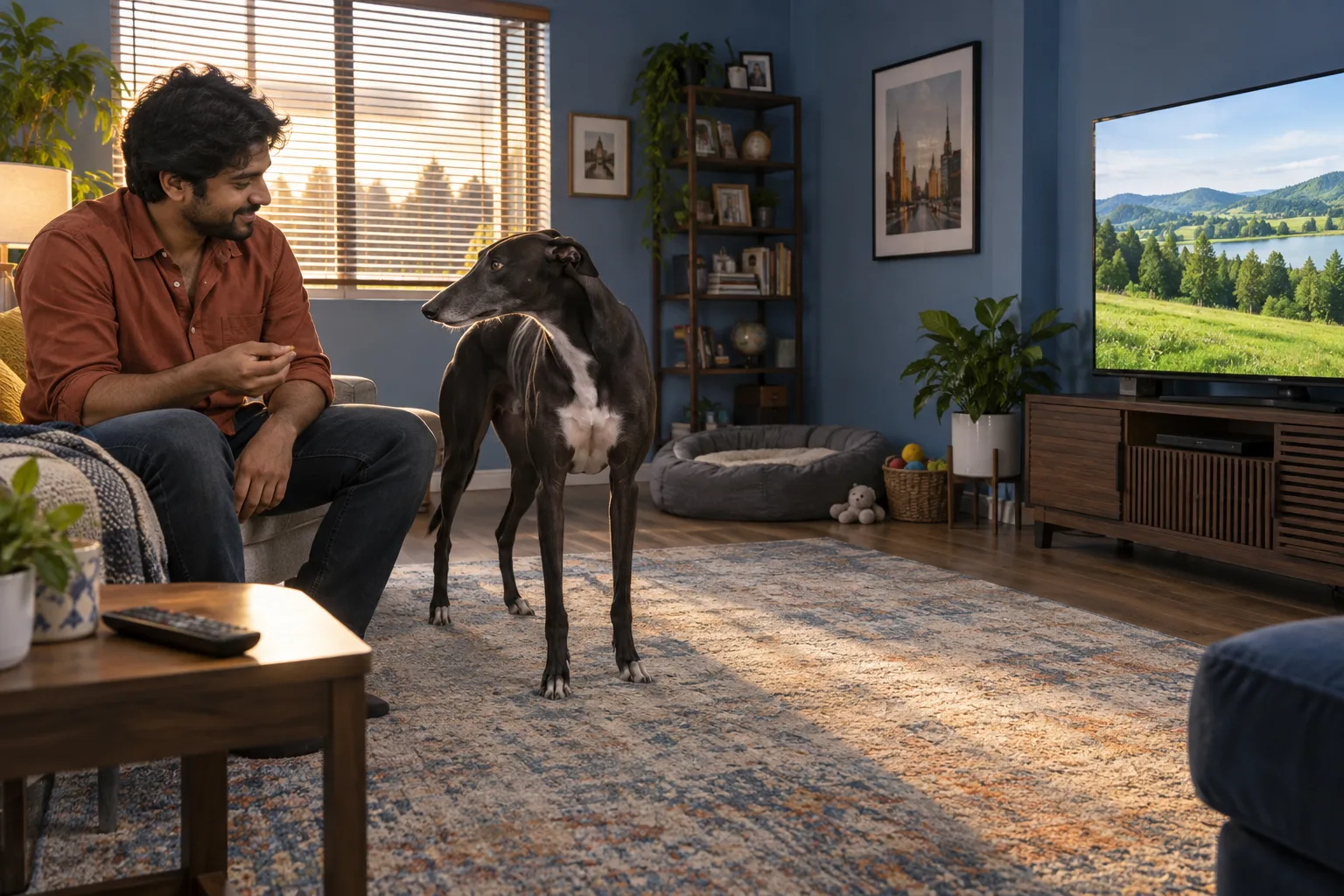
Your dog barks at TV animals, rushes forward during an advert or jumps awake at a recorded doorbell. Saying quiet louder does not explain which part of the broadcast was difficult. A television combines movement, abrupt scene changes, voices and sound effects. Because those ingredients arrive together, a dog may manage one slow scene but struggle when the next clip suddenly changes. The first useful move is to make viewing predictable, not to test how much barking you can tolerate.
This free screen-time plan gives you a controllable rehearsal: choose one visible response, prepare rewards, practise briefly, change one variable and record what happened. DogPath can help organize those everyday steps using its reward-based practice workflow. It is free to download or start; some features or usage levels may require an in-app purchase. It does not identify the cause of barking, rate a dog's safety or promise that a particular programme will become comfortable.
Stop home experiments if the dog panics, snaps, redirects toward a person, risks colliding with furniture or cannot settle after the screen is off. Sudden behavioral change, pain, altered hearing or vision and sleep disruption warrant veterinary advice. A qualified reward-based behavior professional can help with persistent distress. The aim is a dog who has a comfortable choice, not one who stays silent while frightened or physically held beside the television.
When a dog barks at TV, describe the trigger precisely
Recall recent episodes rather than replaying the worst clip. Note whether the reaction began with an animal image, running movement, a bark, a doorbell, an excited voice or the act of switching on. Was the screen muted? Was the dog already tired or alert after something outside? These observations help choose an easier setup; they do not prove fear, territorial behavior or a breed-based cause. A single bark can mean many things, so record the whole sequence and recovery.
VCA explains that both pictures and sounds can attract dogs to television. That is why turning down volume may help one dog but leave a visual trigger unchanged. Look for loose movement, normal breathing and an ability to turn away, not only silence. Freezing, hard staring, pacing or repeatedly checking behind the screen are reasons to reduce exposure. If you cannot remember a comfortable example, begin with the television off and seek help before deliberately presenting triggers.
VCA's explanation of dogs responding to television sights and sounds
Give ordinary viewing a separate management plan
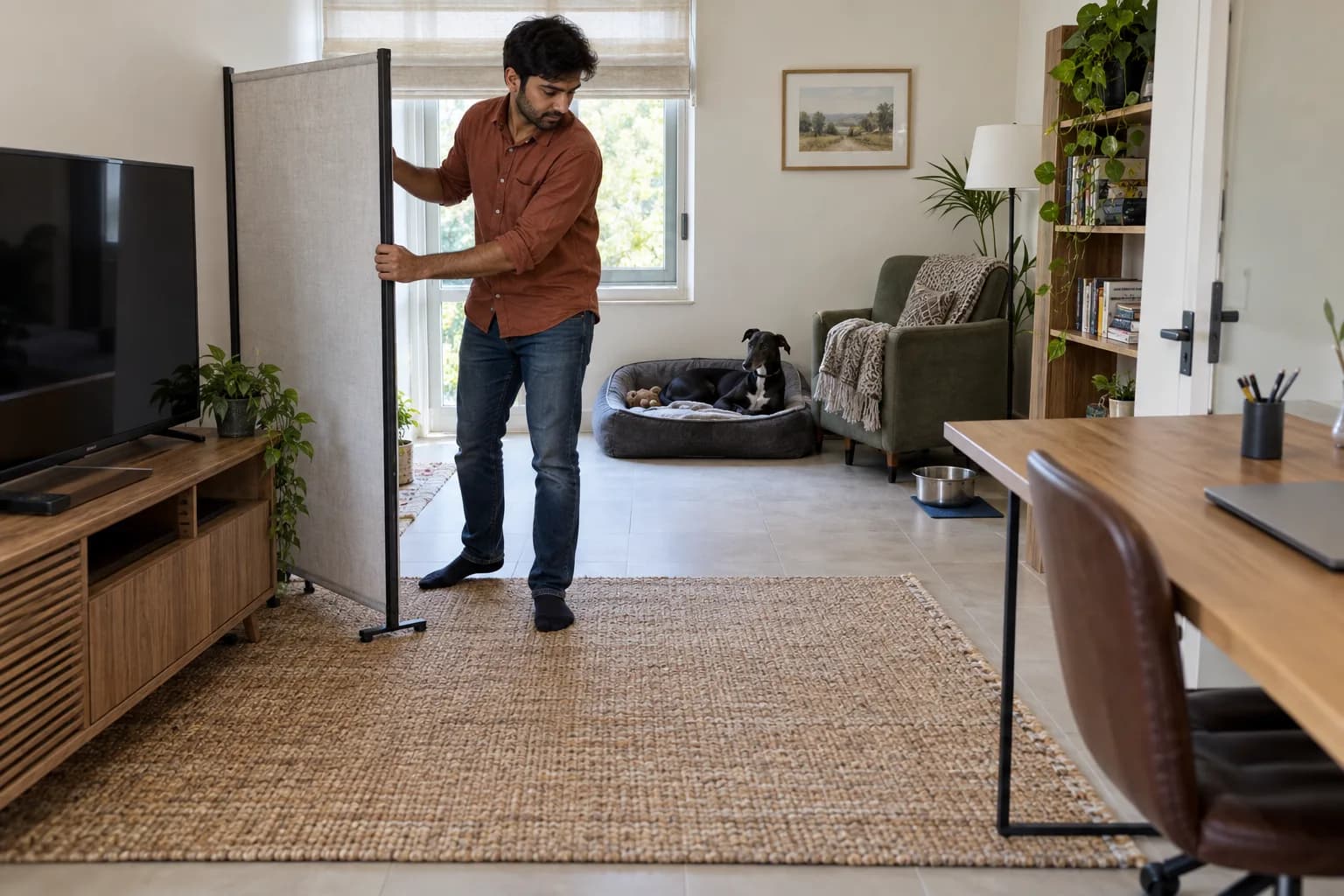
Before practising, secure the television and cabinet, protect cables and remove objects a startled dog could knock over. Choose a comfortable resting place outside the direct sightline. A chair or stable visual screen may block images, but sound can still travel. Headphones for the person, subtitles or simply leaving the television off may be the easiest temporary arrangement. Never put fabric over powered equipment or block its ventilation. Keep the dog's route away clear and avoid trapping them behind furniture.
If another room is already comfortable, offer a familiar rest activity there with company when needed. Do not suddenly shut away a dog who struggles with separation, or introduce a crate only when television trouble starts. Management is for nights when you want to watch, not train. A favourite chew is optional and should be suitable for that dog and supervised appropriately. The separate mat guide can establish a comfortable resting place before you add screen activity; a mat is not a command to endure distress.
Choose a check-in before opening your practice plan
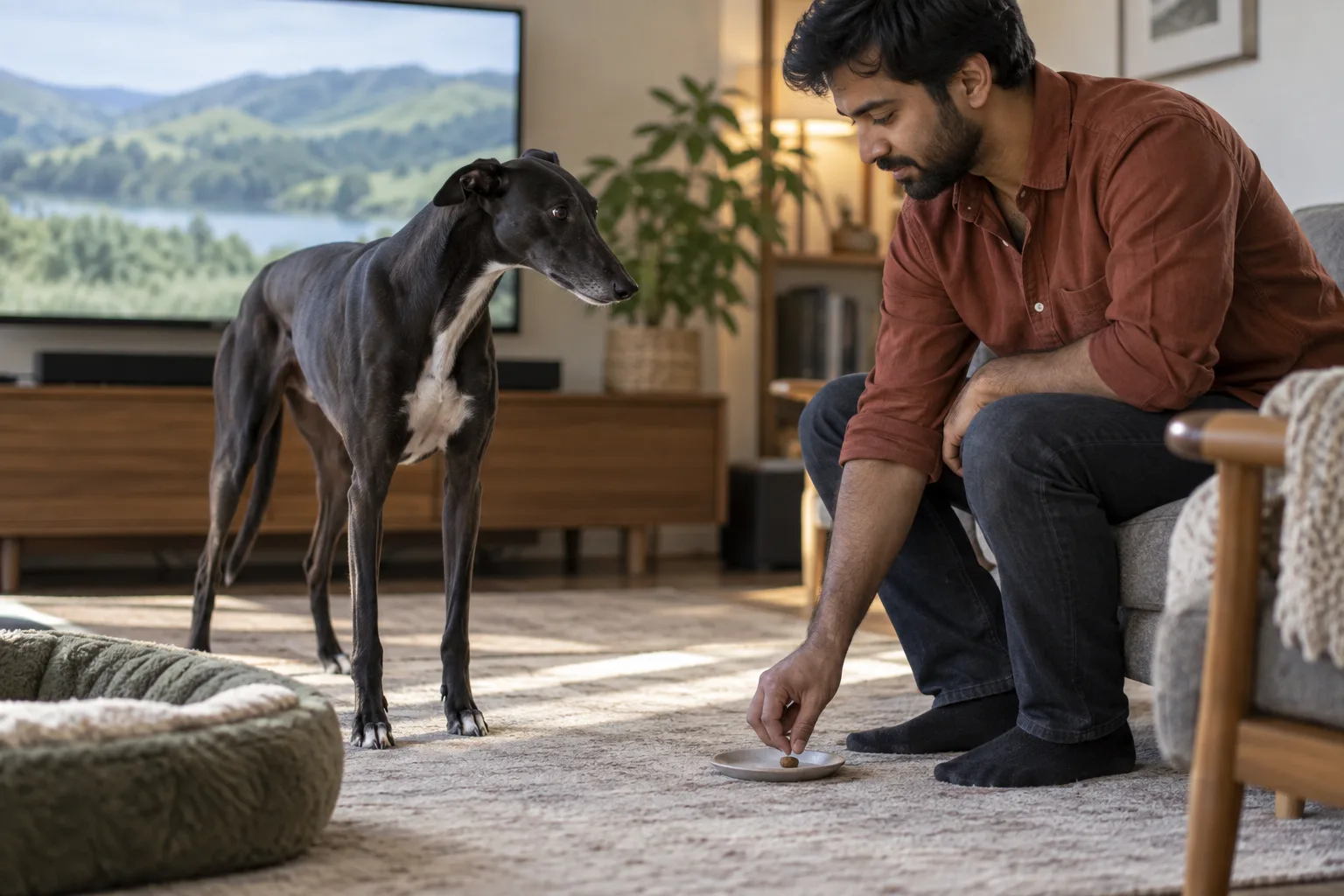
Choose an observable behavior such as turning the head toward you after noticing a mild screen change. Do not choose stop being reactive: you cannot reward that vague label. With the television off, sit where you will practise and reward voluntary glances toward you. Keep food in a container rather than waving it in front of the dog's nose. Deliver a small piece beside you or on a shallow dish, away from the screen, so the reward location supports turning away.
Prepare several tiny, familiar rewards and include them in the day's food allowance. Do not withhold a meal to make the dog tolerate harder footage. In DogPath, use an appropriate attention or calm-practice lesson to organize the setup and outcome; do not assume there is a television-specific lesson or automatic trigger analysis. Your goal might be three easy check-ins with a loose body. If that is not comfortable with the screen off, keep working at that level before adding any broadcast.
Separate a gentle sound rehearsal from the picture
For a dog whose difficulty involves sound, start with a familiar, quiet voice recording rather than barking or doorbells. Keep the screen off or out of sight and the dog at a comfortable distance. Have pause ready before starting a very brief sound. If the dog notices and remains loose, offer a reward near you, then turn the sound off and rest. If even that causes tension, omit sound practice and get individualized guidance instead of cycling through louder examples.
Use only a few easy repetitions, with pauses long enough for normal sniffing or resting to return. A phone or different speaker does not reproduce the television exactly, so comfort with one device is not evidence that another is safe. Record the device and sound used. Do not play recordings while the dog sleeps or leave them running to force habituation. The AVSAB humane-training statement supports reward-based methods; startling the dog, shouting or anti-bark devices are not part of this plan.
Add a muted picture that is already easy
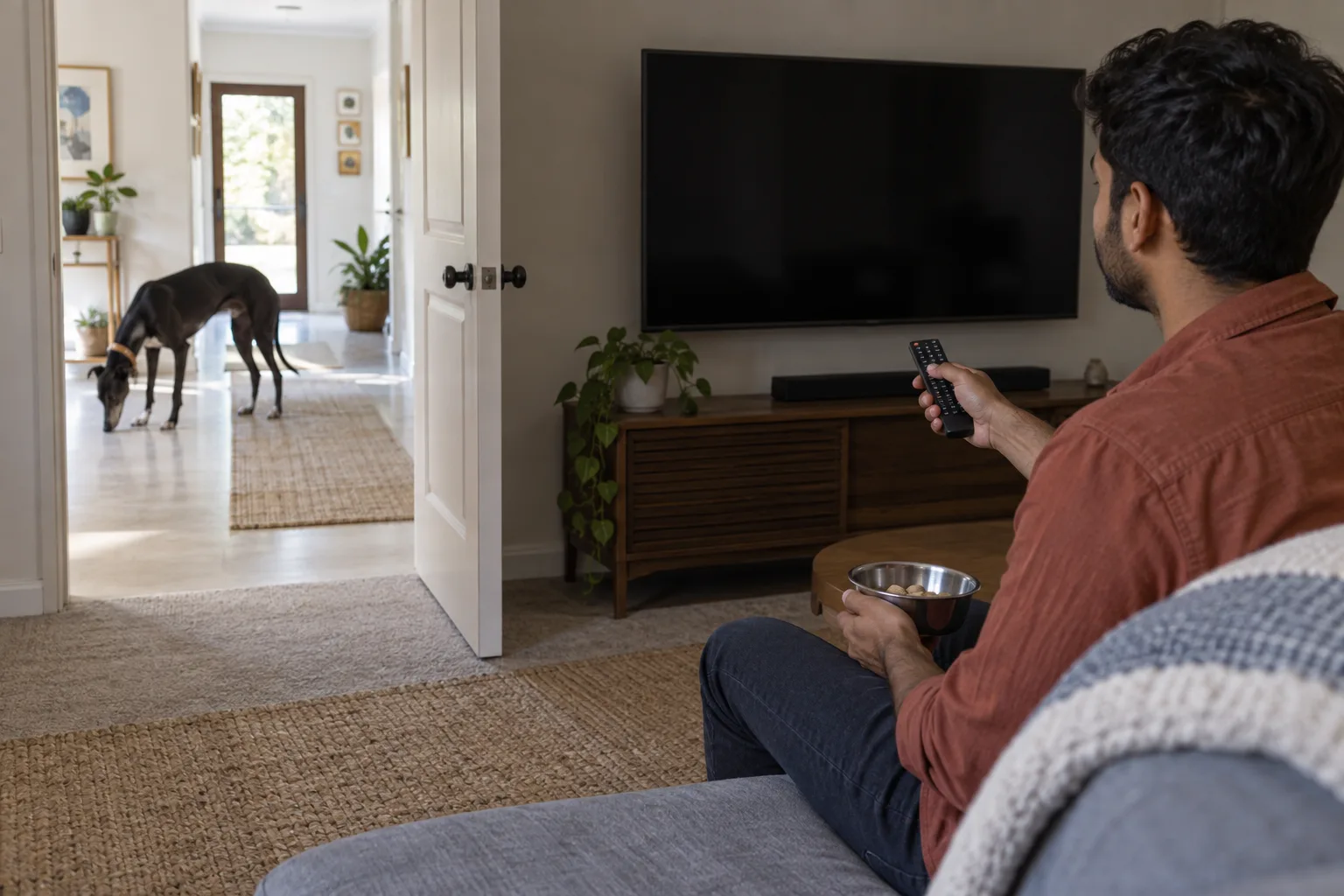
For a visual rehearsal, start with a plain still image or uneventful scene without animals, rushing movement or dramatic changes. Mute it before the dog enters. Begin far enough away that the dog can notice briefly and disengage, and keep the first presentation very short. Reward a voluntary turn toward you, then pause the picture. You are not asking the dog to approach the screen. If they ignore it comfortably, that is useful information, not a reason to jump immediately to wildlife footage.
Watch your delivery as carefully as the screen. Searching for treats after a reaction starts makes timing difficult. Have them ready, keep your hands calm and reward away from the television. Do not hold food so close that the dog stares at your fist throughout every repetition. You want an easy choice when the food is not visibly acting as a lure. If the dog cannot look away, stop the presentation and increase separation or use a less noticeable image next time.
Change distance, duration or distraction one at a time
Repeat an easy arrangement on another occasion before changing it. Moving nearer is a distance change; leaving a clip on longer is duration; adding motion, sound or a different scene is distraction. Choose just one small change while keeping the others familiar. You might retain the same distant seat and muted still image but extend a brief presentation slightly. Do not also turn on sound and choose an animal clip. There is no fixed ladder that suits every dog or a required daily increase.
A quiet landscape is not preparation for every possible television event. An advert, sports crowd or recorded bark may still be difficult later. Before combining picture and sound, establish that each is comfortable separately and make the combined version easier than either rehearsal. If you need full-volume unpredictable viewing tonight, use management. Keep children and other pets outside the practice area if their movements make observation difficult, and never ask a child to handle a dog with a bite-risk concern.
Pause a reaction and log the actual outcome
If barking begins, calmly pause or switch off the trigger and give space. Do not grab a collar, block the escape route or insist on sit while the dog is rushing toward equipment. If a familiar invitation to move away works comfortably, use it once and reward the return to a safe place. Helping a worried dog is not forbidden because barking occurred. The next planned rehearsal should begin earlier and easier, rather than repeatedly creating a bark-then-treat sequence.
Afterward, record the setting, device, picture or sound, approximate distance, presentation length and visible response. A useful DogPath practice note, or paper note if preferred, says muted still landscape, far chair, two brief presentations, two voluntary glances, then normal rest. Also record tension or a longer recovery; those are not failures to hide. Compare equivalent setups, not a peaceful morning with a crowded evening. The note should tell you whether to repeat, simplify or ask for help, not award a diagnosis or safety score.
Transfer to real programmes without surprise tests
Choose a short previewed segment whose content you know, not a random channel. Start with the same seating arrangement and easy intensity. Keep the remote available and stop while the dog is still comfortable. One relaxed segment does not mean a whole film, an animal programme or a livestream is ready. Continue using subtitles or headphones as needed. Different family members should agree on which material is for practice and which requires the dog-friendly management arrangement instead.
Over time, useful progress may mean turning away more readily, recovering sooner or choosing to rest in another comfortable place. It need not mean watching every show beside you. Keep normal walks, sleep and social contact in the routine; screen practice is not enrichment the dog must complete. If comfort narrows, barking spreads to other situations or recovery worsens, stop increasing difficulty and speak with a veterinarian or qualified behavior professional. A quieter home is valuable only when the dog's welfare improves with it.